How to Control Staff Access at Your Restaurant?
With Food Market Hub, you can decide whether staff can view product prices. Restricting this access minimizes the risk of misuse and protects your profit margins.

Running a restaurant is more than just serving delicious food; it’s about ensuring efficient operations while protecting sensitive business data. With so many responsibilities, keeping track of your restaurant staff’s access to different systems can feel overwhelming. That’s where Food Market Hub steps in. This powerful tool gives you control over your staff’s access levels, allowing you to streamline operations and safeguard critical information.
Simplify Staff Access Control with the Food Market Hub
One of the standout features of Food Market Hub is the ability to tailor access permissions for your restaurant staff. From inventory management to sales data, you decide who can access what. This ensures that sensitive information, like pricing and supplier details, remains secure.
Display Pricing for Enhanced Security
If your restaurant waiters and kitchen staff place orders through the system, do they really need to see product prices? With Food Market Hub, you can decide whether staff can view product prices. Restricting this access minimizes the risk of misuse and protects your profit margins. This feature is particularly useful in preventing staff from leaking sensitive pricing information to competitors.
Control Stock Adjustments
Inventory management is at the heart of any restaurant’s operations. Food Market Hub allows you to control which staff members can adjust stock levels. For instance, you might only allow your inventory manager or senior staff to access this feature. This reduces errors and prevents unauthorized changes that could lead to stock discrepancies.
Batch Control for Better Oversight
Batch control is vital for maintaining food quality and compliance with regulations. Using Food Market Hub, you can control whether staff can view or manage batch details. This feature ensures that only qualified personnel can handle batch-related tasks, improving food safety and reducing waste.
Manage Company Localities with Ease
Do you operate in multiple locations or serve different regions? Food Market Hub lets you control staff access to your company’s serviceable areas. This ensures that staff only interact with relevant data and operations, minimizing confusion and enhancing productivity.
Streamlined Dashboard Access
The dashboard provides a summary of your restaurant’s key metrics, such as sales, inventory levels, and purchase history. You can customize dashboard access for different roles, ensuring that only relevant staff members view business-critical data. This helps maintain confidentiality while enabling informed decision-making.

Ordering and Order Approval
With Food Market Hub, you can control staff access to the ordering module. Whether it’s creating orders or approving them, you decide who has the authority. This feature is particularly useful if you have an approval flow in place. For instance, orders can require management approval before being sent to suppliers, ensuring better oversight and cost control.
Sales and Sales Documents
You can manage access to sales data, including invoices, payments, and order history, through Food Market Hub. This is particularly important for staff handling customer orders or financial records. Restricting access ensures sensitive financial data stays secure while streamlining operations for the relevant team members.
Inventory Module and Stock Management
Inventory theft is a concern for many restaurant owners. In Malaysia, a study by PwC revealed that 56% of businesses report workplace fraud, with inventory theft being a significant issue. With Food Market Hub, you can control access to the inventory module and its sub-functions, such as stock counts, stock adjustments, and stock wastage. By limiting access to trusted staff, you can reduce the risk of theft and errors.
Access to Reports for Data-Driven Decisions
Reports are invaluable for analyzing your restaurant’s performance. Food Market Hub lets you control who can view or download key reports like sales analysis, wastage summaries, and purchase price histories. For example, your marketing team might only need access to sales analysis, while your inventory manager may focus on stock balance reports. This targeted access improves efficiency and data security.
Managing Customers and Suppliers
Customer and supplier management is critical for a restaurant’s success. Food Market Hub allows you to control staff access to customer and supplier modules. For example, you can enable certain staff to invite customers or manage supplier data while restricting others. This feature is especially helpful for maintaining professional relationships and avoiding unauthorized changes.
Personalized and Company Settings
Food Market Hub offers robust settings for managing staff access to personal and company information. For instance, you can allow staff to update their personal details, such as contact information, but restrict access to sensitive company data like subscription plans or tier pricing. This balance ensures operational flexibility without compromising security.
FAQs
1. How can I monitor my restaurant waiters’ activities using Food Market Hub?
Food Market Hub provides detailed control over access levels for restaurant staff, including waiters. You can decide what features they can access, such as order placement or viewing sales data. This minimizes the risk of unauthorized actions while ensuring smooth operations.
2. What is the most secure way to manage restaurant staff access?
The most secure approach is to use a platform like Food Market Hub, where you can customize access permissions based on roles. For instance, limit access to sensitive data like pricing or inventory to senior staff while enabling others to focus on their specific tasks.
3. Can I control inventory theft in my restaurant?
Yes, you can significantly reduce inventory theft by using Food Market Hub to restrict access to the inventory module. Allow only trusted staff to perform stock adjustments, stock counts, or record wastage. Regularly reviewing access permissions also helps identify and prevent misuse.
4. How can Food Market Hub improve efficiency in my restaurant?
By allowing you to customize access levels, Food Market Hub streamlines operations. Staff can focus on their assigned tasks without getting overwhelmed by unnecessary data. For example, waiters can focus on order placements, while inventory managers handle stock management.
5. Is Food Market Hub affordable for small restaurants in Malaysia?
Yes, Food Market Hub offers scalable pricing plans that cater to businesses of all sizes. With features like access control and inventory management, even small restaurants can benefit from improved efficiency and reduced operational risks.

Managing access levels in your restaurant is no longer a daunting task. With Food Market Hub, you can customize permissions to suit your staff’s roles, ensuring smooth operations while safeguarding sensitive data. Whether it’s controlling inventory access to prevent theft or managing sales data for better decision-making, Food Market Hub empowers you to run your restaurant efficiently.
Embrace the power of technology to secure your business and focus on delivering exceptional dining experiences to your customers. Start using Food Market Hub today and see the difference it makes in streamlining your restaurant’s operations.
Keep reading
SGeBIZ vs Food Market Hub- Which one is Better for your F&B Business
You already know how many small tasks add up in the kitchen: placing orders, checking stock, matching invoices, and keeping suppliers honest. Two platforms that promise to make this easier are SGeBIZ and Food Market H…
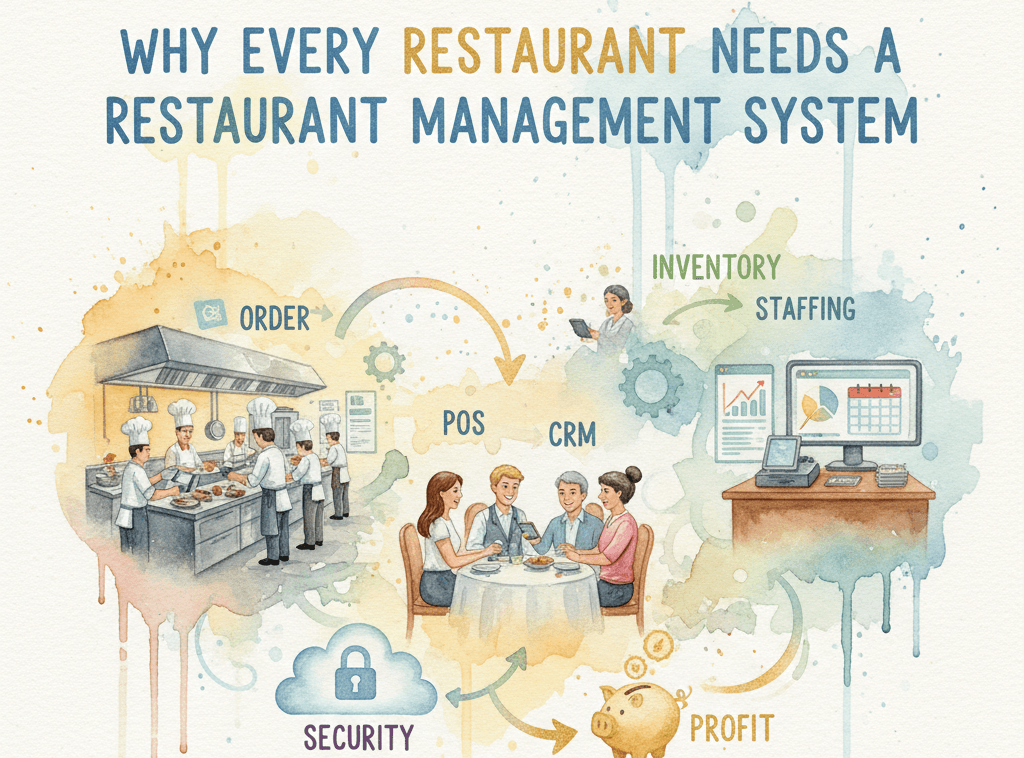
Why Every Restaurant Needs a Restaurant Management System
When your front and back of the house are not connected small issues can lead to waste and lost money. That is where a restaurant management system can help
Choosing the Right Supply Chain System: Why Food Market Hub is a Better Fit Than Zeemart
But FMH gives you something extra. FMH connects directly to your Point of Sale (POS) system.
Ready to run every outlet like one kitchen?
See how Food Market Hub connects your central kitchen to every outlet. Book a free, no-pressure demo with our team.